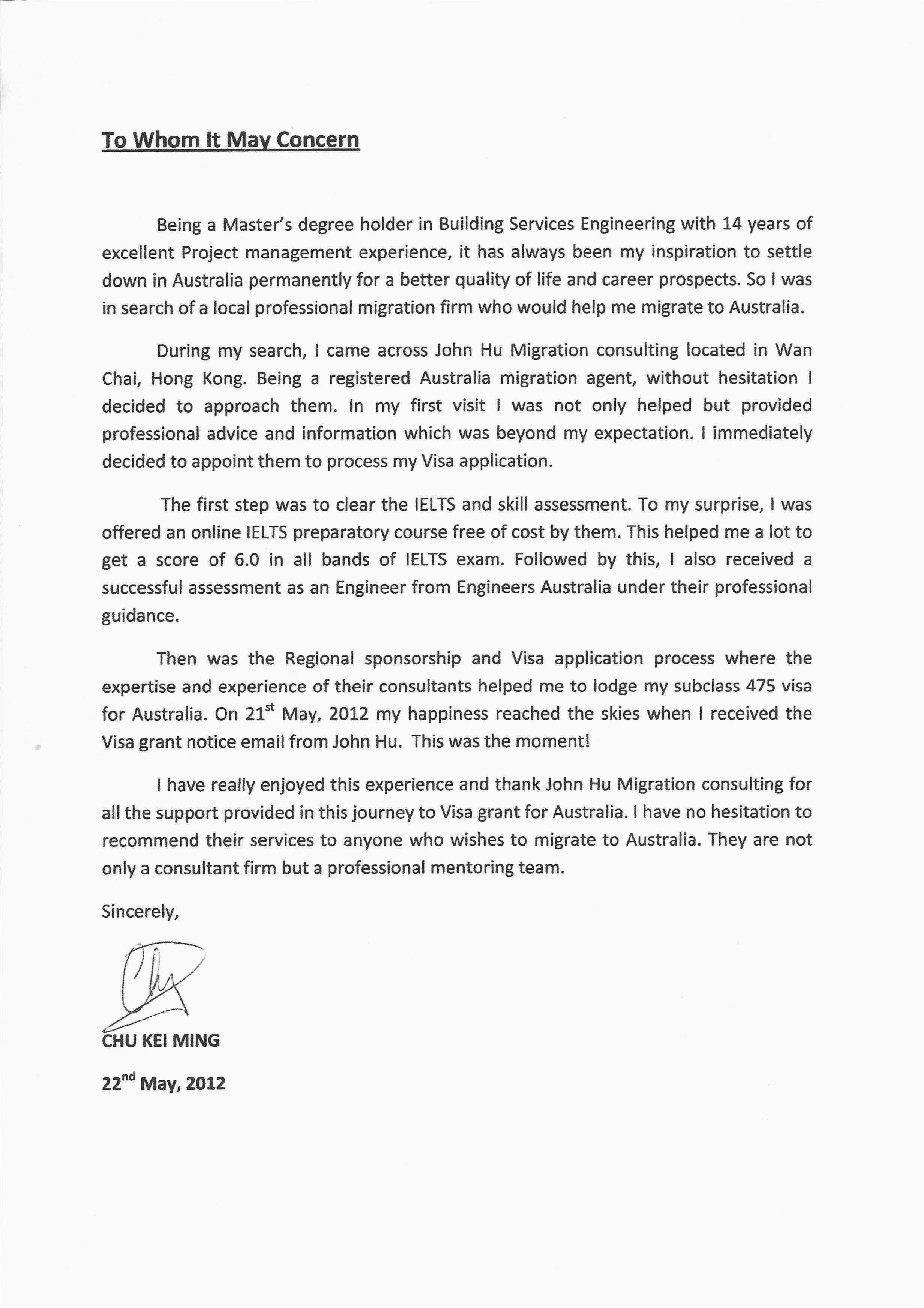
Cover Letter Email Basics
In the digital age, the cover letter email has become a cornerstone of the job application process. It’s often the first impression you make on a potential employer. A well-crafted cover letter email can significantly increase your chances of landing an interview, while a poorly written one can send your application straight to the rejection pile. Understanding the nuances of how to format a cover letter email is, therefore, paramount for any job seeker. This guide will walk you through the essential elements of a successful cover letter email, from the subject line to the closing, ensuring you present yourself professionally and make a lasting impact.
Understanding the Purpose of a Cover Letter Email
The primary purpose of a cover letter email is to introduce yourself and your qualifications to a potential employer. It serves as a brief summary of your key skills and experiences, highlighting why you’re a good fit for the role. Unlike a resume, which is a factual document, your cover letter email allows you to showcase your personality, express your enthusiasm for the position, and explain why you’re specifically interested in the company. It’s your chance to make a personal connection and convince the hiring manager to read your resume and consider you for an interview. The cover letter email complements your resume, providing context and demonstrating your communication skills.
Why a Cover Letter Email Matters

In today’s competitive job market, a cover letter email is not just a formality but a necessity. It differentiates you from other applicants by allowing you to express your unique value proposition. Recruiters and hiring managers often use cover letters to gauge a candidate’s communication skills, attention to detail, and genuine interest in the opportunity. A well-written email demonstrates that you’ve taken the time to research the company and the role, indicating your level of commitment. Moreover, it allows you to address any gaps in your resume, such as career changes or periods of unemployment, in a positive and proactive manner. It is your opportunity to set the stage for a potential interview and create a strong first impression.
Formatting Your Cover Letter Email
Subject Line Best Practices
The subject line is the first thing a hiring manager sees, so it must be compelling and professional. Avoid generic subject lines like “Job Application.” Instead, include the job title and your name, such as “Software Engineer Application – John Doe.” If the job posting specifies a particular subject line format, adhere to it precisely. Keywords are important; if the job description mentions a specific skill or requirement, try to incorporate it into the subject line subtly. Also, ensure your subject line is concise and easy to understand, as this increases the likelihood of the email being opened. Proofread the subject line carefully to avoid any typos or grammatical errors.
Crafting a Compelling Opening

The opening of your cover letter email sets the tone for the entire message. Start with a clear and concise statement of your purpose. State the position you are applying for and how you learned about the opportunity. Personalize your email by addressing the hiring manager by name, if possible. Research the company and mention something specific that interests you about their work or culture; this demonstrates that you’ve done your homework and are genuinely interested in the role. Your opening should immediately capture the reader’s attention and encourage them to read on. Avoid generic phrases, and aim to show your enthusiasm from the very beginning.
Body Paragraphs & Content
The body of your cover letter email should highlight your relevant skills and experiences. Keep the paragraphs concise and focused, typically no more than three or four sentences each. Use action verbs to describe your accomplishments and responsibilities. Tailor your content to match the specific requirements of the job description. Provide concrete examples of how you’ve demonstrated the skills and qualifications that the employer is seeking. Use bullet points or short lists to make your email easy to read and scan. Proofread carefully to ensure there are no errors or inconsistencies in your information, making sure your email is easy to navigate and quickly digestible for the reader.
Highlighting Relevant Skills and Experiences
Focus on the skills and experiences that are most relevant to the job you are applying for. Review the job description carefully and identify the key requirements. Then, provide examples of how you’ve demonstrated those skills in previous roles or projects. Use the STAR method (Situation, Task, Action, Result) to structure your examples, making them clear, concise, and impactful. Quantify your achievements whenever possible, providing specific data to demonstrate the positive impact you’ve made. Avoid simply listing your skills; instead, show how you’ve used them to achieve results. Tailor the content to align precisely with the job requirements.
Quantifying Achievements and Results

Numbers speak louder than words. Whenever possible, quantify your achievements to demonstrate the impact of your work. Instead of saying “Improved customer satisfaction,” say “Improved customer satisfaction by 15% through implementing a new feedback system.” Use metrics to showcase your accomplishments and the value you brought to previous employers. Quantifying your achievements provides concrete evidence of your capabilities and helps the hiring manager understand the value you can bring to their company. Include percentages, dollar amounts, or other measurable results to make your claims more credible and compelling. Always ensure your numbers are accurate and verifiable.
The Importance of a Strong Closing
Your closing should reiterate your interest in the position and summarize why you’re a strong candidate. Thank the hiring manager for their time and consideration. Express your enthusiasm for the opportunity to discuss your qualifications further. Conclude with a clear call to action, such as “I look forward to hearing from you soon” or “I am available for an interview at your earliest convenience.” Proofread the closing carefully to ensure a professional and polished finish. A strong closing leaves a lasting positive impression and encourages the hiring manager to move forward with your application.
Call to Action in Your Email
A call to action encourages the reader to take the next step, such as contacting you for an interview. Clearly state your availability and your willingness to discuss the position in greater detail. Use a polite and professional tone, and make it easy for the hiring manager to respond. Provide your phone number and email address in your closing, making it easy for them to reach you. A strong call to action is crucial for moving your application forward. Keep it concise and focused, making it easy for the reader to understand the next steps.
Proofreading and Editing Your Email

Proofreading and editing are critical steps in writing a successful cover letter email. Errors in grammar, spelling, and punctuation can undermine your credibility and make a negative impression. Before sending your email, review it carefully for any mistakes. Use spell-check and grammar-check tools, but don’t rely on them entirely. Read your email aloud to catch any awkward phrasing or unclear sentences. Ask a friend or colleague to review your email for a fresh perspective. Ensure your contact information is correct and up-to-date. Take the time to revise and polish your email until it’s perfect, which will help you project a professional image and enhance your chances of success.
Formatting the Email for Readability
Font Choice and Size
Choose a professional and easy-to-read font, such as Arial, Calibri, or Times New Roman. Avoid using unusual or decorative fonts, as they can be distracting and difficult to read. Keep the font size between 10 and 12 points. This size ensures the text is easily readable without being too large or too small. Consistency is key; use the same font and size throughout your email. Ensure the text is clear and legible on any device the reader might be using. Using an appropriate font and size improves the overall readability and professionalism of your email.
Spacing and Paragraph Breaks

Use clear spacing and paragraph breaks to make your email easy to read. Avoid long blocks of text, as they can be overwhelming. Separate paragraphs with a blank line to create visual space. Use bullet points or short lists to break up long sentences and highlight key information. Keep paragraphs concise, typically no more than four or five sentences. Proper spacing and paragraph breaks make your email more visually appealing and easier to digest, which enhances the reader’s experience and increases the likelihood of your message being read.
Including Your Contact Information
Always include your contact information in your cover letter email. Make sure your email address is professional, such as your first and last name. Include your phone number and LinkedIn profile URL (if you have one). Place your contact information in your email signature, making it readily available. Double-check your contact information for accuracy. Including your contact information makes it easy for the hiring manager to reach you. Ensure this information is consistent with what is on your resume.